Skip to content
UX-STING

A design toolkit for AI coding agents

Measure before you draw.

The instruments a designer keeps in the case, built for AI agents: a browser that checks the page, a tool that measures a design, an archive of free pictures, a way to choose a direction, and motion. Everything below is real tool output.

npx ux-sting qa http://localhost:3000
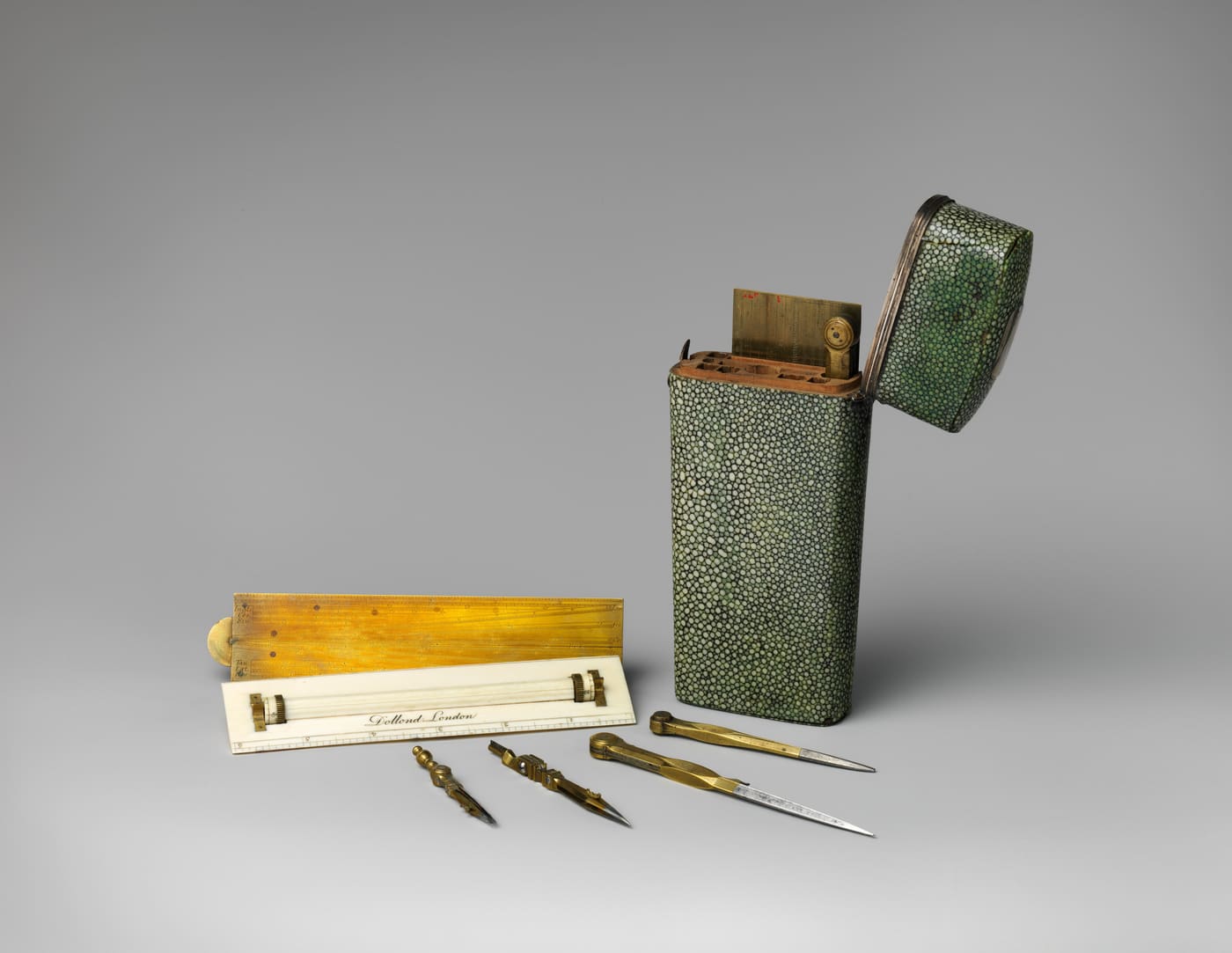
An eighteenth-century green shagreen case standing open, with its brass and ivory rulers, dividers and ruling pens laid out beside it.
Pocket set of drawing instruments, ca. 1755–60, Peter Dollond. CC0, The Metropolitan Museum of Art.

01 / 06

Browser QA

It looks at the page, the way a reviewer would.

Agents usually stop at “it compiles”. ux-sting qa opens the page in a real browser at three widths and writes a short report with the three fixes to make first. The ux-sting-qa skill then fixes them and runs QA again, up to three rounds.
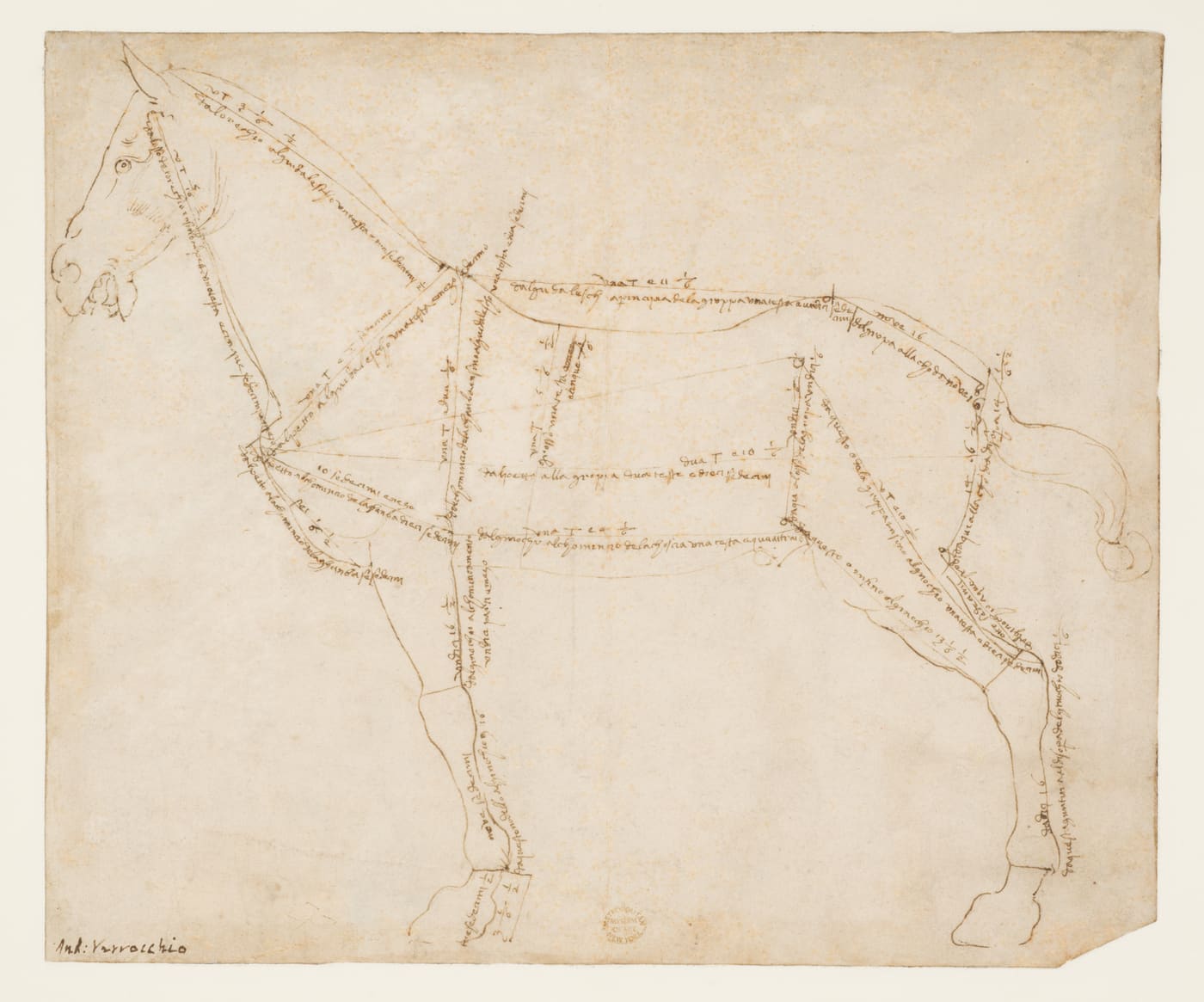
Verrocchio's pen drawing of a standing horse, its body divided by ruled lines annotated with handwritten measurements.
Measured Drawing of a Horse Facing Left (recto), ca. 1480–88, Andrea del Verrocchio. CC0, The Metropolitan Museum of Art.
npx ux-sting qa packages/qa/src/__fixtures__/broken.html

A test page with ten problems planted on purpose. QA finds all ten.

57/100

Failed

10 findings

Sort findings
  1. criticalaxe:image-altImages must have alternative text@ 375 · 768 · 1440px
  2. seriouscontrast1 text element(s) below WCAG AA (worst 1.92:1).@ 375 · 768 · 1440px
  3. seriousoverflow-xPage scrolls sideways by 1225px.@ 375 · 768 · 1440px
  4. seriousconsole-error1 console error(s): boom from fixture
  5. moderateempty-stretch2 blank stretch(es) taller than ¾ of a screen; largest 1421px at y=1587.@ 375 · 768 · 1440px
  6. moderatetitle-below-foldTitle "Fixture title below the fold" starts at 1121px, below the first screen (812px).@ 375 · 768 · 1440px
  7. moderatefailed-request1 request(s) failed: 404 local/missing.png
  8. minororphan-grid-itemGrid ends with a single item under rows of 3.@ 375 · 768 · 1440px
  9. minororphan-sectionA band holds only 5 characters with nothing else.@ 375 · 768 · 1440px
  10. minorunequal-marginsContent sits off-center: 40px start vs 200px end.@ 768 · 1440px
Screenshot QA took of the planted bugs page.
Full-page screenshot from the QA run at 375px: the page is 1600px wide.

02 / 06

Design extraction

Take the measurements of a design that already exists.

Point it at a live site and it reads what the browser actually rendered: colors, type scale, spacing, radii, shadows, motion and breakpoints. It writes W3C design tokens, and anything it could not measure stays empty instead of being made up. Below is the real output for the Ember demo.

npx ux-sting extract https://your-site.example --dark
npx ux-sting theme import ux-sting-extract/tokens.json
npx ux-sting dna ux-sting-extract/tokens.json

Colors it found

  • background#171c23
  • foreground#adb9c5
  • heading#f9fafb
  • surface#29313a
  • border#3b4652
  • primary#ca8200
  • primary-foreground#301300

Scales

Font size
body 16pxh1 72pxh2 30pxh3 16px
Spacing
unit 4pxcontainer 1280px
Radius
11px14px21px24px28pxdefault 11pxfull 9999px
Duration
120ms150msdefault 150ms
Breakpoint
640px768px1024px1280px1536px

Unmeasured: color.muted-foreground.

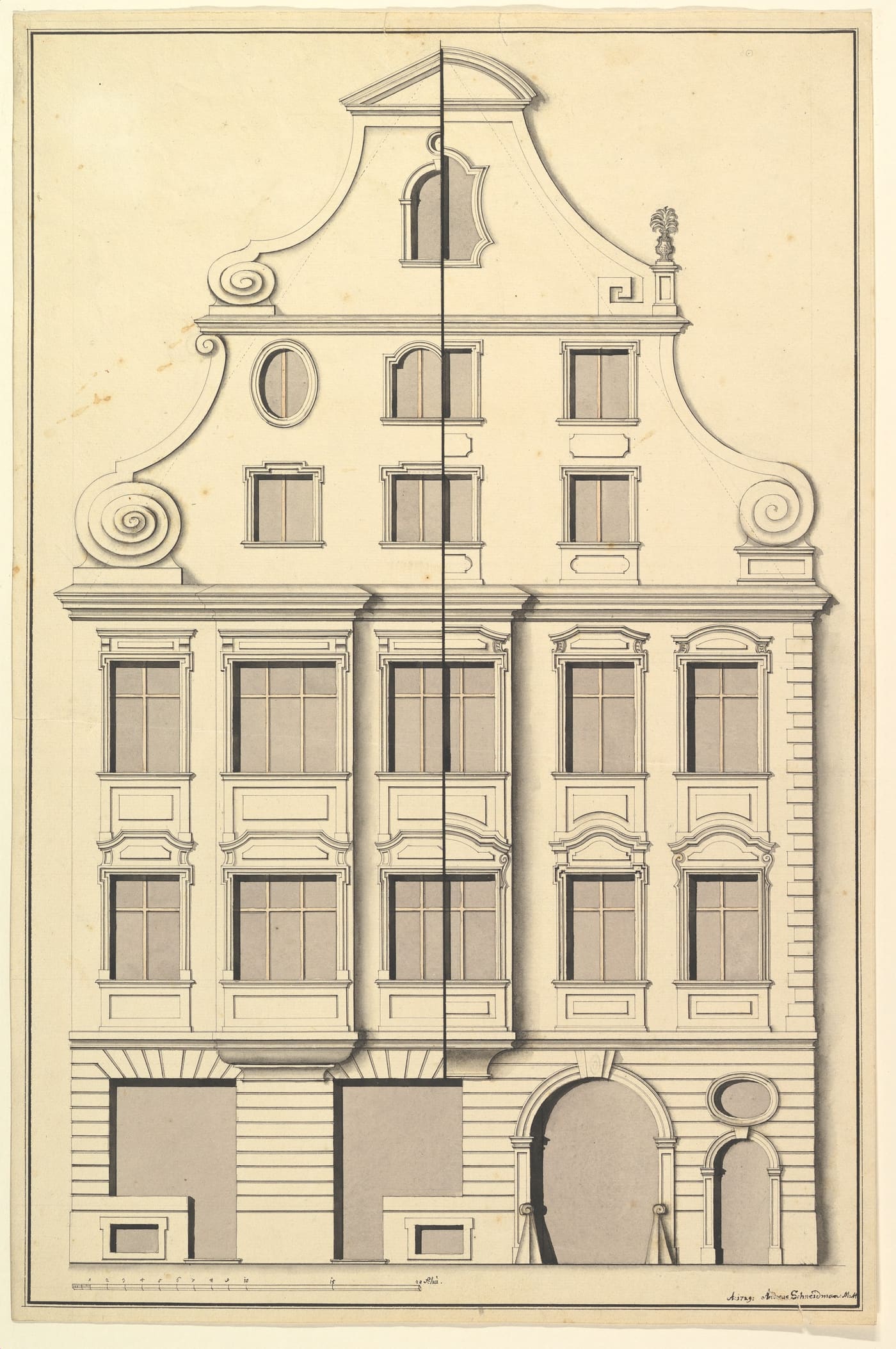
An ink and wash elevation of a gabled town house, split down the middle to show two alternative window designs.
Drawing for the Street Elevation of a Town House, 1729, Andreas Schneidmann. CC0, The Metropolitan Museum of Art.

Theme import, made accessible

Tokens map to UX-STING’s semantic roles in OKLCH. Pairs that would fail WCAG AA are corrected, and each correction is reported:

On Ember every measured pair already met AA, so nothing was changed.

    6 roles came straight from tokens; 9 were derived from them.

    Nearest preset

    A feature vector (scheme, lightness, hue, chroma, radius, type, spacing, motion) is compared with every built-in theme, using only the features that were measured. Lower is closer; here the top three are nearly tied, so Ember is its own design.

    1. 1. terminaldistance 0.252compared on 7 features
    2. 2. neutraldistance 0.253compared on 6 features
    3. 3. polarisdistance 0.253compared on 6 features

    03 / 06

    Open images

    Real pictures, with the paperwork done.

    Stock photos and fake screenshots are what make a page look generated. This searches The Met, Wikimedia Commons and Openverse, keeps only public domain, CC0, CC BY and CC BY-SA, downloads what you pick and writes a credits file. All three images on this page came from it.

    npx ux-sting images "drawing instruments" --source met --download 1

    The credits it wrote

    From credits.json, rendered as-is. CC BY and BY-SA images carry the attribution they require; CC0 credits are a courtesy.

    • “Pocket set of drawing instruments, ca. 1755–60” by Peter Dollond, CC0, via The Metropolitan Museum of Art
    • “Measured Drawing of a Horse Facing Left (recto), ca. 1480–88” by Andrea del Verrocchio, CC0, via The Metropolitan Museum of Art
    • “Drawing for the Street Elevation of a Town House, 1729” by Andreas Schneidmann, CC0, via The Metropolitan Museum of Art

    04 / 06

    Art direction

    A direction first, then the page.

    The ux-sting-taste skill makes the agent work like an art director. This page went through it: the concept is “UX-STING as a draughtsman’s instrument case, because every tool measures before it draws”. That chose the editorial theme, the hairline index and the museum drawings.

    1. 01Read the briefFive lines: what, for whom, where, the one action, the constraints.
    2. 02List what is uniqueSpecifics no competitor shares. If a line could describe a rival, it goes.
    3. 03Deal three directionsResearched in the client's own world, different in type, palette or layout.
    4. 04Pick one, write the concept“[Client] as [image], because [specific].” Everything serves that sentence.
    5. 05Use real imagesFrom open archives, credited automatically. Never stock, never fake screenshots.
    6. 06Prove it in the browserQA at three widths, fix the top three, critique the screenshots, fix again.

    And it checks for the usual tells

    QA runs anti-slop checks next to accessibility. On the generic test page it named:

    • slop:emoji-icons
    • slop:lorem-ipsum
    • slop:purple-gradient
    • data:numbers-misaligned
    • slop:generic-copy
    • slop:unsourced-stats
    • slop:centered-hero-3-cards

    Taste findings never fail a run on their own; they go to the person as judgment, not measurement.

    05 / 06

    Motion

    Motion that explains a change, and stops when asked.

    Eight transitions in plain CSS on UX-STING tokens, with tiny helpers. You have already used three: the QA tabs slide their indicator, the score pops, and sorting the findings reorders them with the View Transitions API. The GSAP layer drives the split headline at the top, the scrubbed pipeline above and the filter below. Turn on “reduce motion” in your system settings and all of it holds still.

    Card resize

    animateSize()

    Order 4821 · shipped

    Arriving Friday.

    Notification stack

    notification-stack.css
    1. Report written to ux-sting-qa/

    Accordion

    accordion.css
    Does it need JavaScript?

    No. Native details opens to its natural height with ::details-content.

    And with reduced motion?

    It opens at once.

    Toast

    toast.css

    Popover API, top layer, exits faster than it enters.

    Changes saved

    Skeleton → content

    skeleton.css

    Planted-bugs report

    Score 57/100, ten findings. Top fix: give the image alternative text.

    Flip layout (GSAP)

    useFlipLayout()
    Filter instruments
    • qa
    • extract
    • theme import
    • dna
    • images
    • taste
    • motion
    • review

    Standalone demo pages

    Each transition also has a plain HTML page with no framework and an LTR/RTL switch.

    06 / 06

    Animated icons · shipped in 0.8.0

    Icons that move with intent

    The animated layer wraps any UX-STING icon in a short, purposeful motion — hover a tile below and its mark answers. Timing and easing come from the same motion tokens as the rest of the system, colour is currentColor, and prefers-reduced-motion plays nothing. It is pure CSS: no animation engine, no client JavaScript.
    @ux-sting/icons/animated
    import "@ux-sting/icons/animated.css";
    import { AnimatedBellIcon, ICON_ANCHOR_CLASS } from "@ux-sting/icons/animated";
    
    <button className={ICON_ANCHOR_CLASS}>
      <AnimatedBellIcon /> Notifications
    </button>

    All demos

    The same toolkit, six finished sites.

    Each demo is a static Next.js export built from UX-STING components and its own theme made with createTheme. Run any of the commands above against them.